
Microsoft Edge
Microsoft Edge for Android is Microsoft's mobile web browser, syncing favourites, passwords and tabs with Edge on your Windows PC.
252.5 MB

30.0.2.61 · Samsung Electronics Co., Ltd. · Page updated
Samsung Internet is a free Chromium-based web browser for Android developed by Samsung Electronics, preinstalled on Galaxy phones.
Average 0.0 · ratings: 0
Thank you! Your rating is saved; you can change it. Could not save the rating. Please try again later. Too many ratings from your network today. Please try again tomorrow. The average appears after 5 ratings.
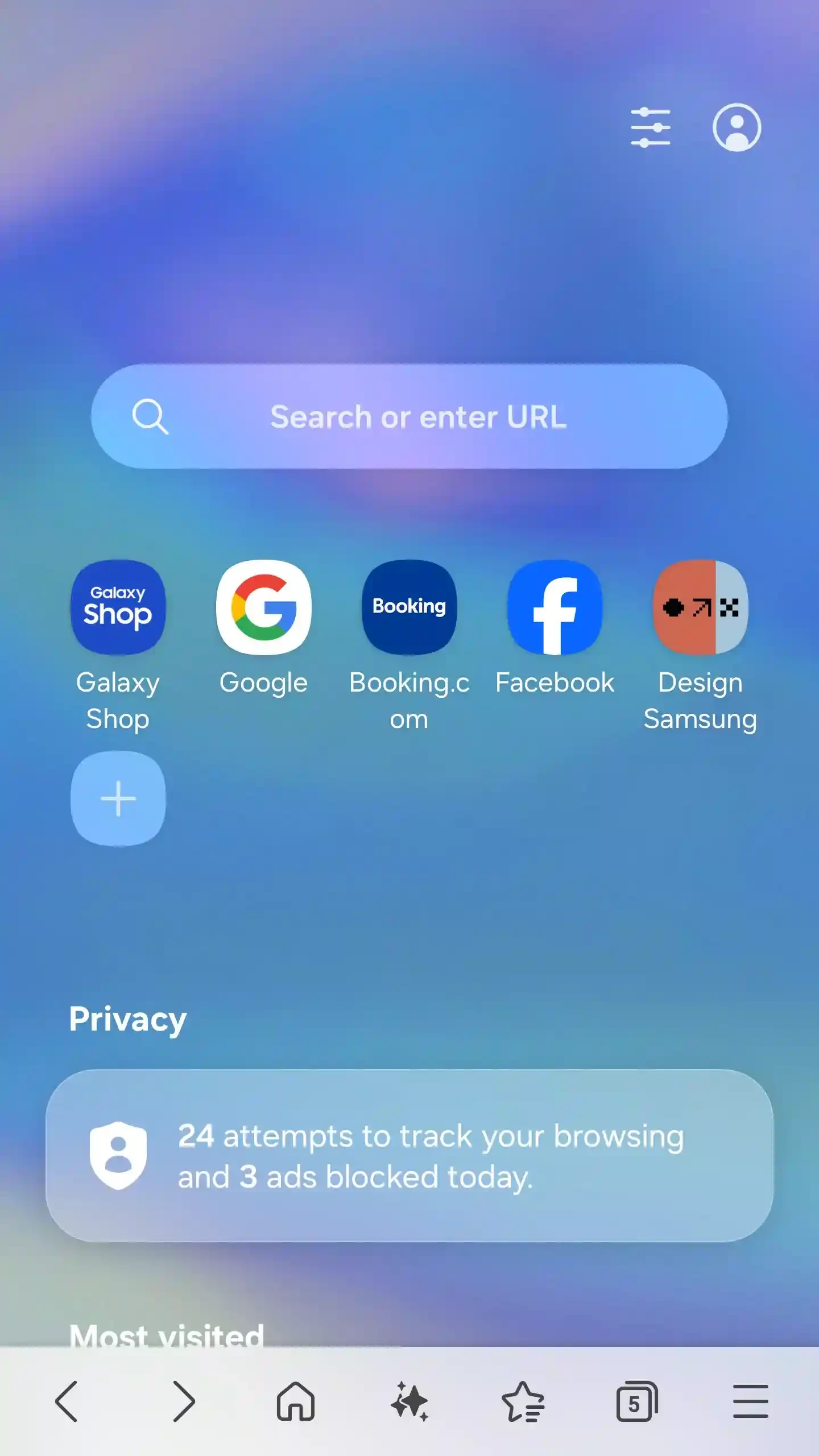
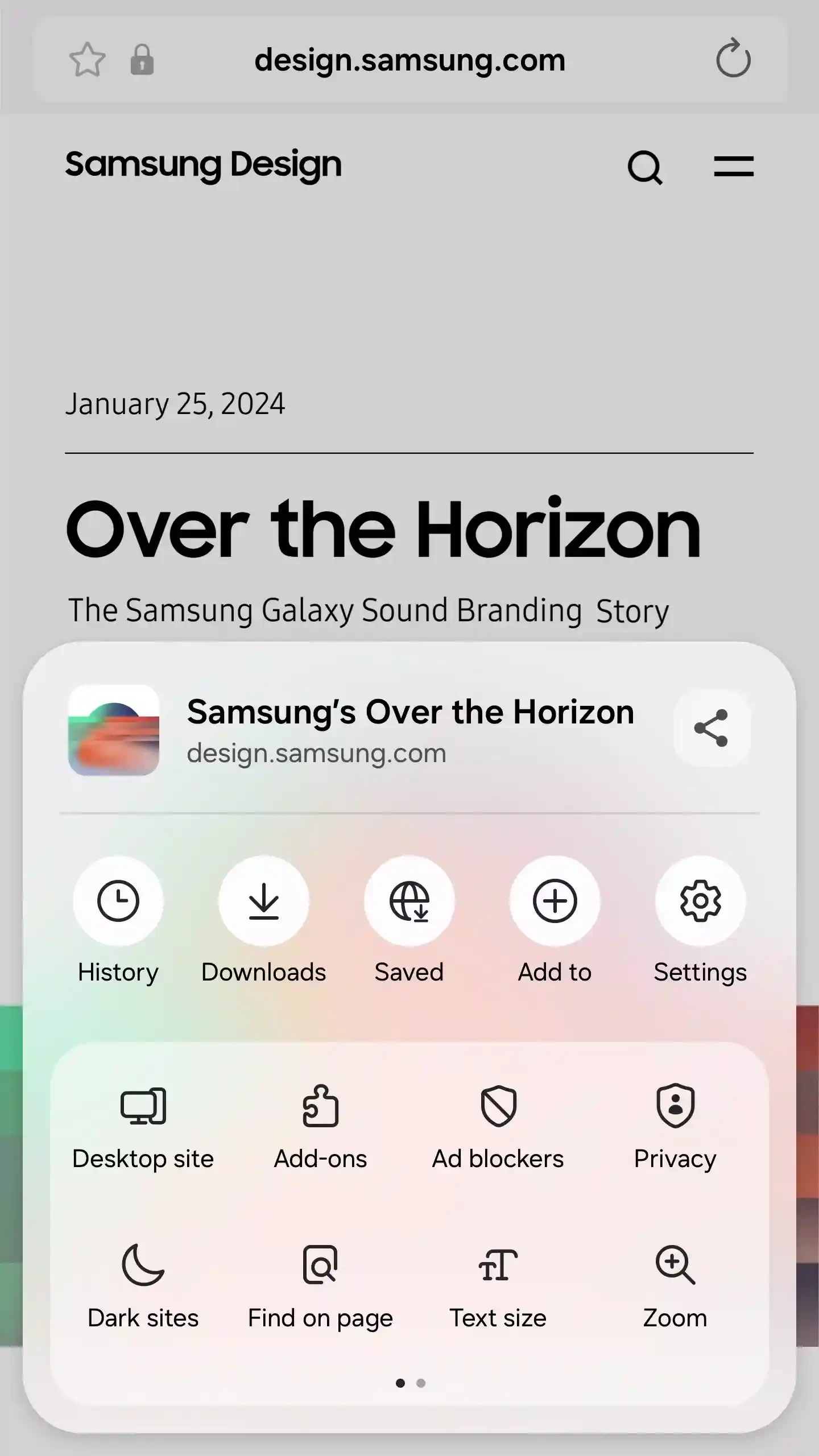
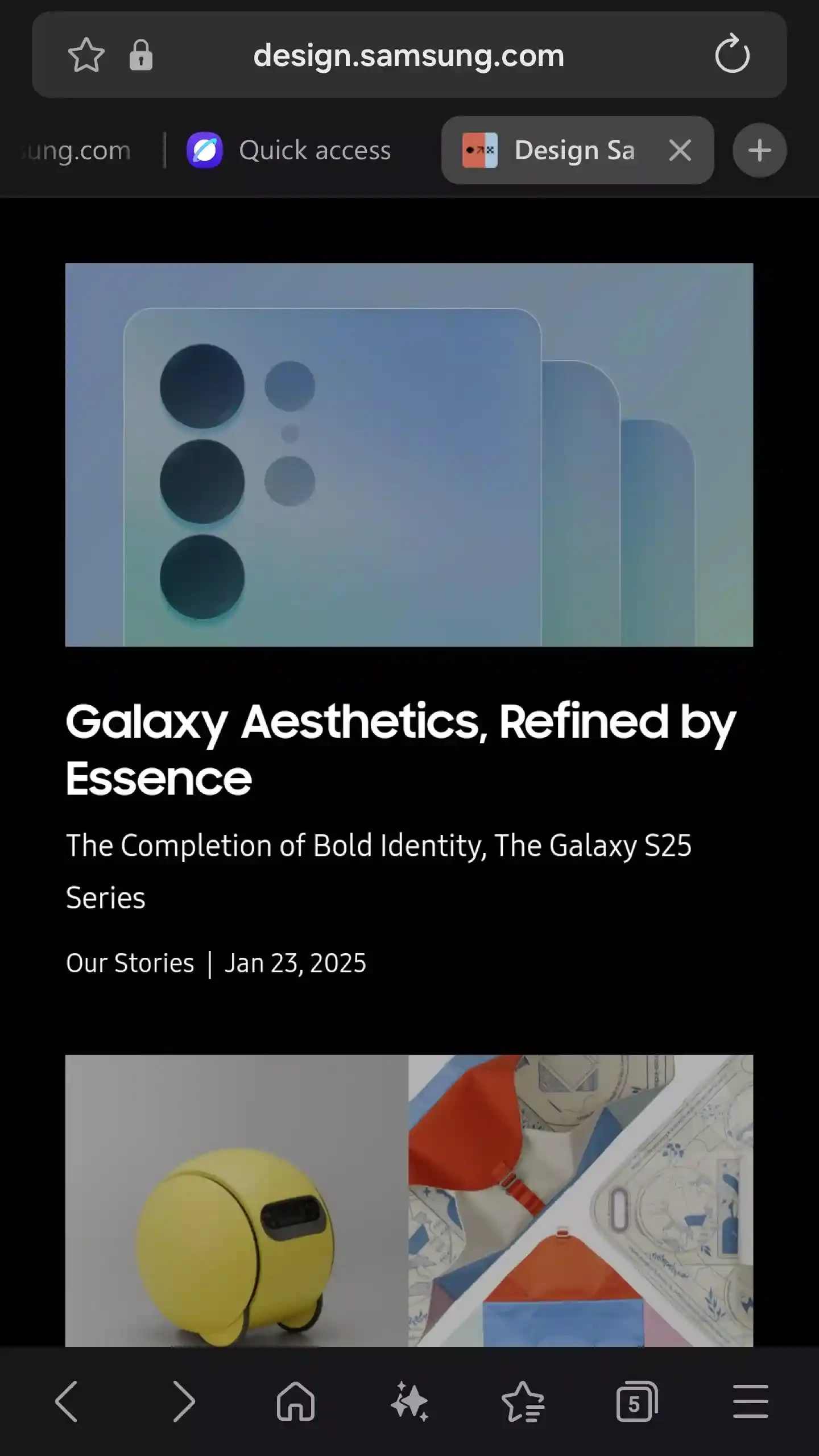
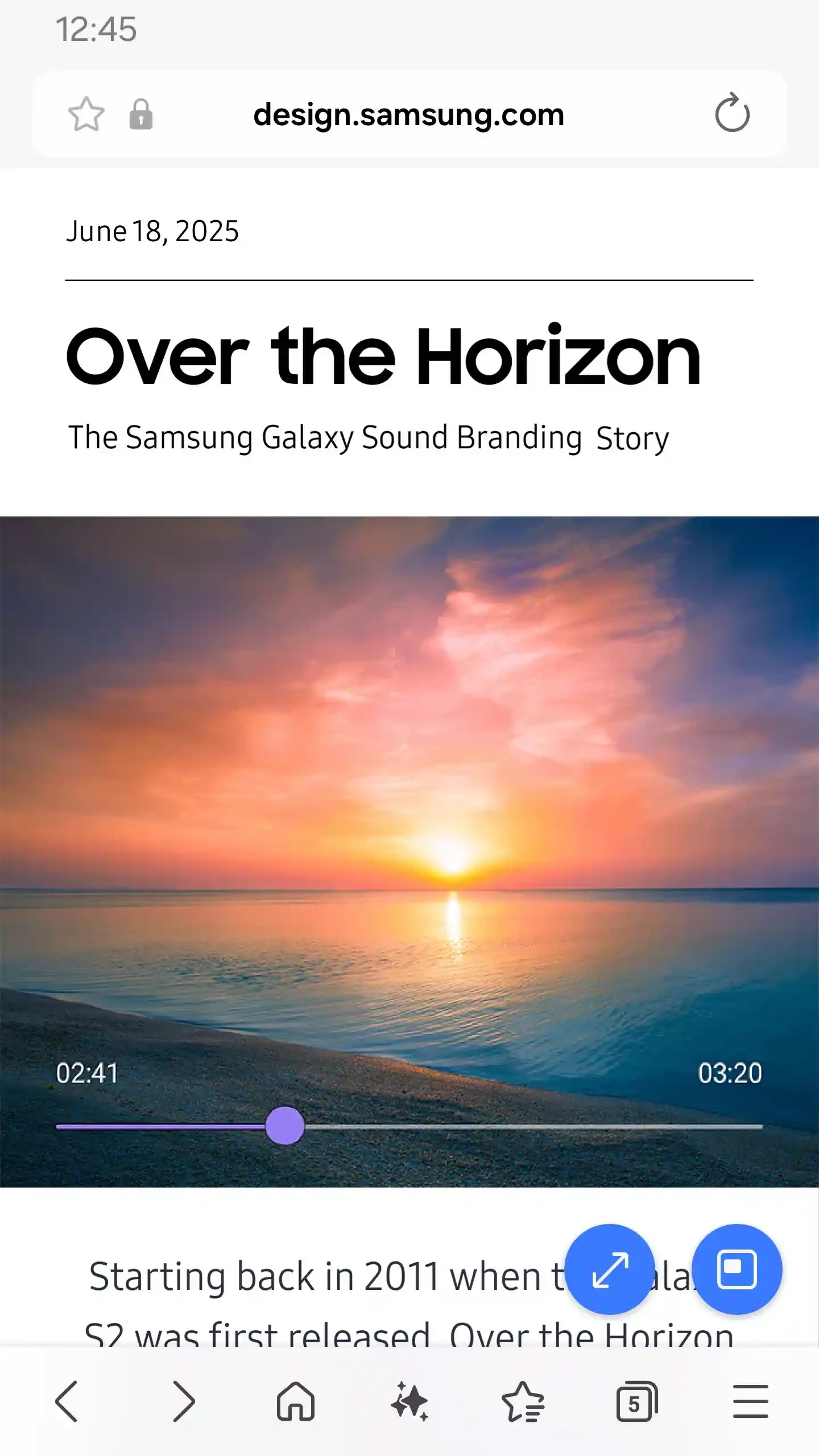
Samsung Internet Browser 30.0.2.61 is the free Android web browser developed by Samsung Electronics and based on Chromium. It comes preinstalled on Galaxy phones, and you can also download Samsung Internet for Android from Google Play on devices from other brands.
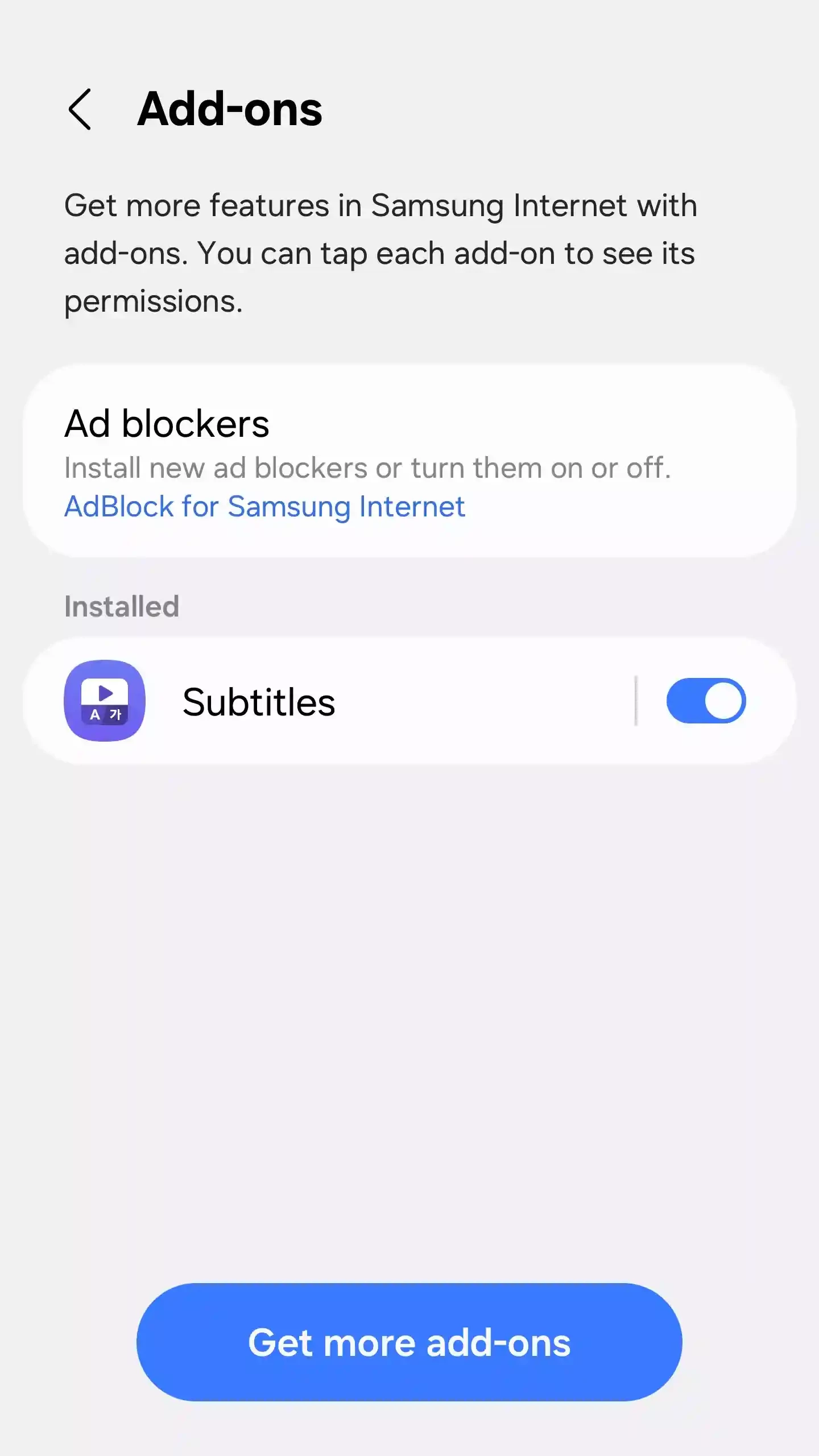
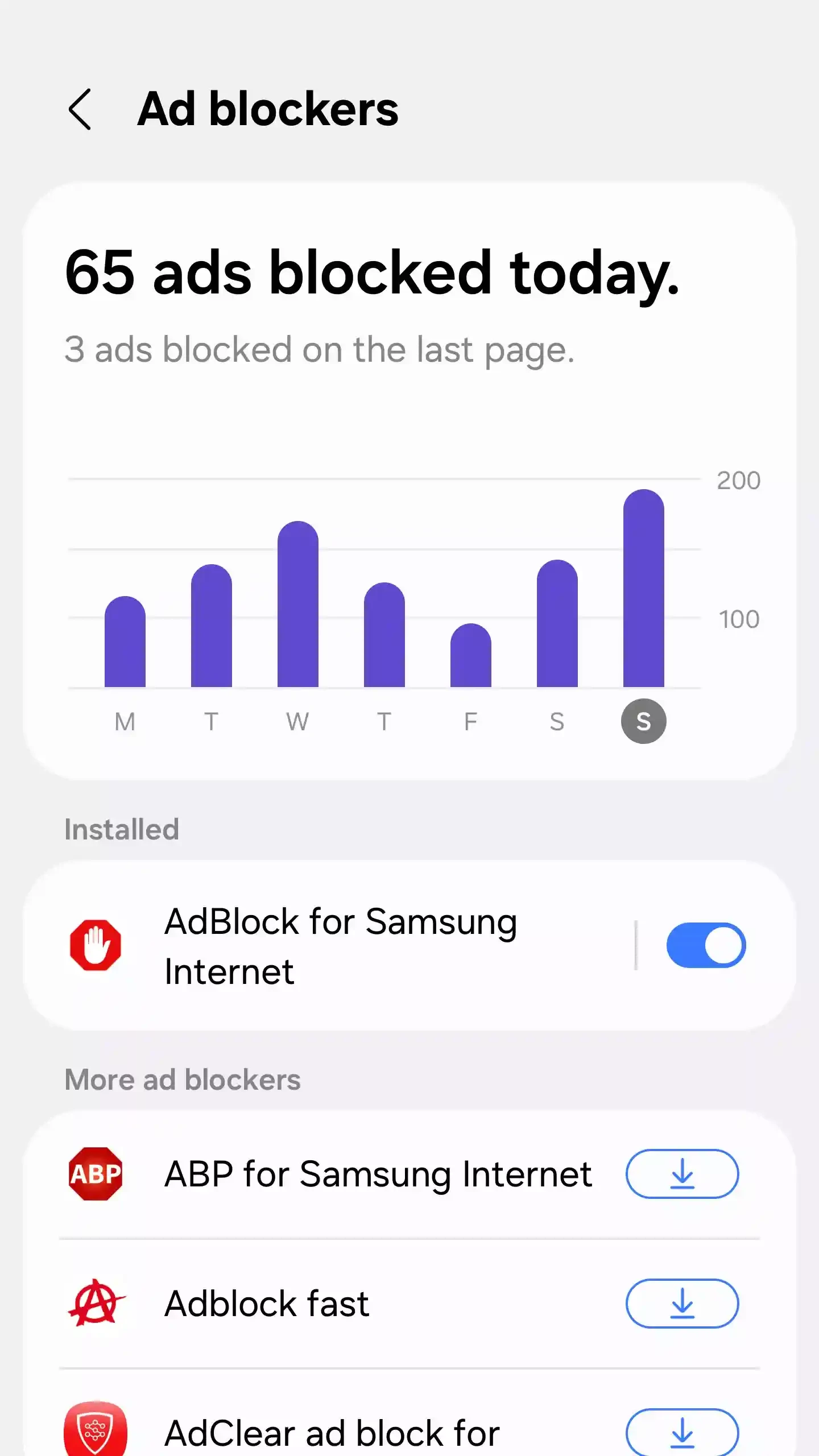
Samsung released its own browser in 2013, and over the years it grew from a stock app on Galaxy devices into a standalone product. Because it uses Chromium, the same open-source base as Google Chrome, websites display the same way as in Chrome, and web apps that work there generally work here too. Samsung builds its own interface and settings on top of that engine, with more emphasis on privacy options and on customising the toolbar and menus. The browser also exists for Wear OS watches, and Wikidata lists a Windows version, but Android is where most people use it. For owners of Galaxy phones the main argument is integration: it is already there, updated through the Galaxy Store or Google Play, and it fits the look of One UI. For everyone else, it is simply another Chromium browser with a different set of options, worth a try if Chrome feels too plain.
The browser needs an Android device; Samsung lists compatibility in the store listing. The package is large, about 300.46 MB according to catalogue data, so check free space first.
Samsung Internet is free. Install it from Google Play, the Galaxy Store or the official Samsung Internet site, not from APK mirrors. Keep it updated, because browser updates often close security holes; Samsung publishes the release notes for each version.
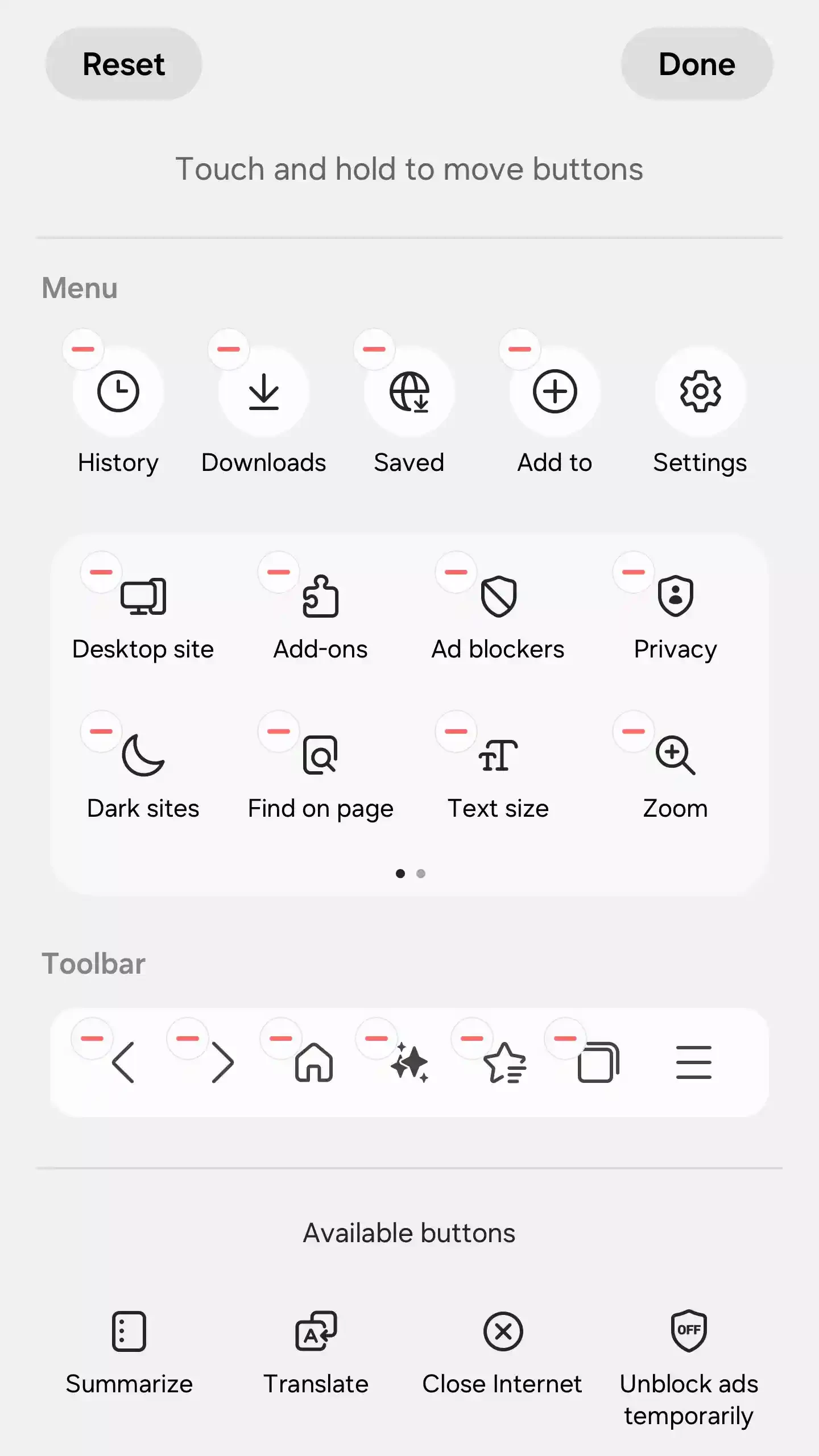
Open the settings once and go through the privacy section: that is where Samsung Internet differs most from other Chromium browsers. Rearrange the toolbar to keep the buttons you use most within reach of your thumb. If you move from Chrome, export your bookmarks there and import them here so that you do not start from an empty list.
Other Android browsers on our site include Google Chrome, Firefox, Microsoft Edge, Opera Browser, Brave Browser and Opera Mini.
Microsoft Edge for Android is Microsoft's mobile web browser, syncing favourites, passwords and tabs with Edge on your Windows PC.

Firefox for Android is Mozilla's free, open-source mobile browser with tracking protection, add-ons and sync with Firefox on your computer.

Opera Mini is a free mobile browser from Opera for Android, designed for phones with slow connections and limited mobile data.
Google Chrome for Android is Google's web browser for phones and tablets, with tabs, bookmarks and passwords synced to your Google account.

UC Browser Mini is a lightweight Android browser from UC Web that saves mobile data, handles downloads and runs on low-end phones.

UC Browser for Android is a mobile web browser from the Chinese company UCWeb, used for browsing, videos and downloads on the phone.

Opera Browser for Android is the mobile web browser from Opera, with tabs, private browsing, sync with Opera on your computer and data-saving options.